Parametric CAD.
In the browser.
No code.
Build parts by connecting nodes, change any dimension later, and export a watertight STL for printing or an analytic STEP for machining.
Free while we launch. Nothing to install.


Models you can change later
Every model is a graph that records how the part was built, not a frozen mesh. Edit one dimension and the whole part re-evaluates. A bracket that fits one shelf fits any shelf by changing one number.
- Any numeric property can be an expression
- Variables, exposed as flow properties, drive several nodes at once
- 50 expression nodes for the arithmetic you would otherwise do by hand

A parts library built for making things
187 ready-made nodes cover what makers actually need, with real dimensions: thread standards, gear types, fasteners and fit features, enclosures, storage bins, lattices and grips. Drop one in, set the size, connect it to the rest.
Export that fits the job
The same model saves as a mesh for any slicer and printer, or as an analytic B-rep for CAM and machine shops. Two kernels do the work: Manifold for meshes, OpenCASCADE for STEP. Nothing to repair afterwards.
Imported meshes stay meshes: they export as faceted bodies, not analytic surfaces.
Check, then iterate
Overhang and wall-thickness nodes show what needs support or will not survive the printer before you spend filament: 45° and 1.2 mm by default, both adjustable.
Version history keeps every revision. Commit, branch, tag, compare and go back.
With AI assistance switched on, a text or image prompt produces an editable node graph rather than a one-off mesh.

Designs you can build on
Models in the community keep their parameters. Open one, adjust the exposed dimensions in your browser, and download the STL or STEP that fits your printer, your shelf, your bolt.
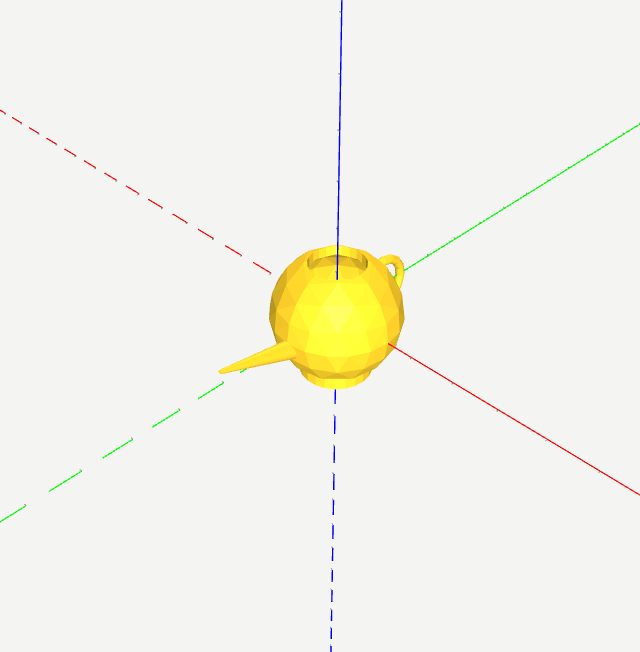
teapot
teapot
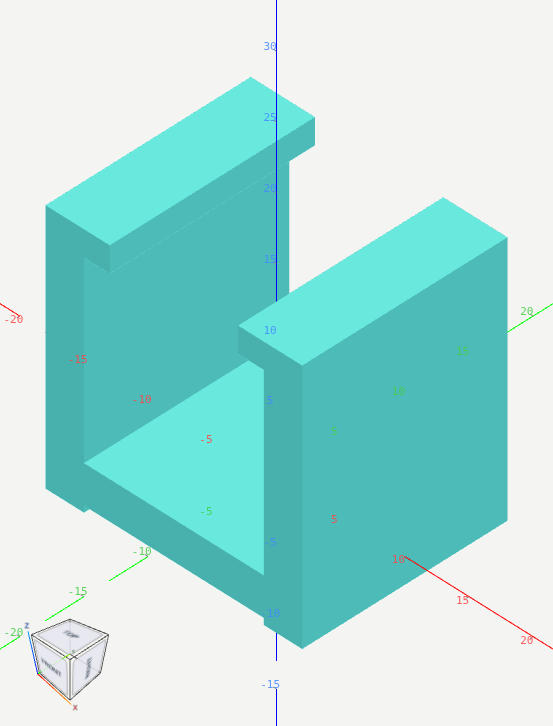
U-shaped retaining clip
A connected U-shaped clip with inward retaining lips. Flexibility depends on material; no mechanical certification.All dimensions are in millimetres. Original Oriforma platform geometry, licensed CC-BY-4.0. Validate fit, material and manufacturing settings before use.STEP support: unknown until independently exported and checked.
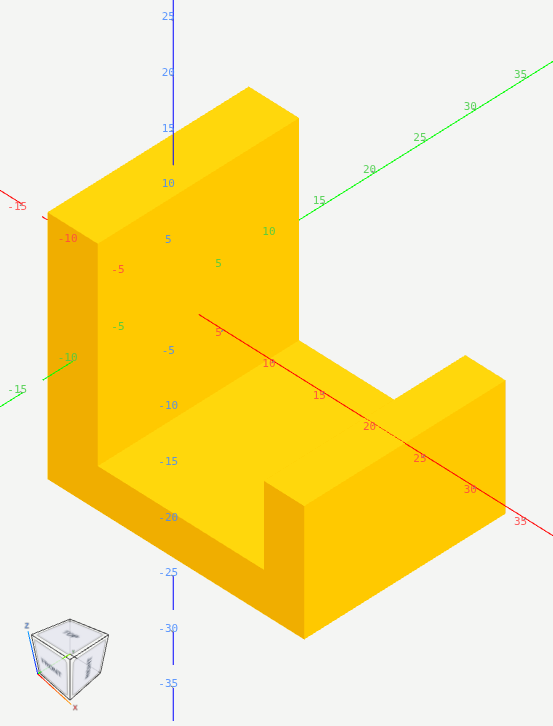
Utility hook
A solid-backed utility hook. Attachment and safe load depend on material and mounting. No load rating.
Open the editor. Free, in your browser, nothing to install.
Create an account in a minute, or sign in if you already have one.